Now testing on iPhone, iPad & Mac
Diadu is a neurodivergent-first daily planner. Uncluttered display, honest structure, and a day set up the way you want it.
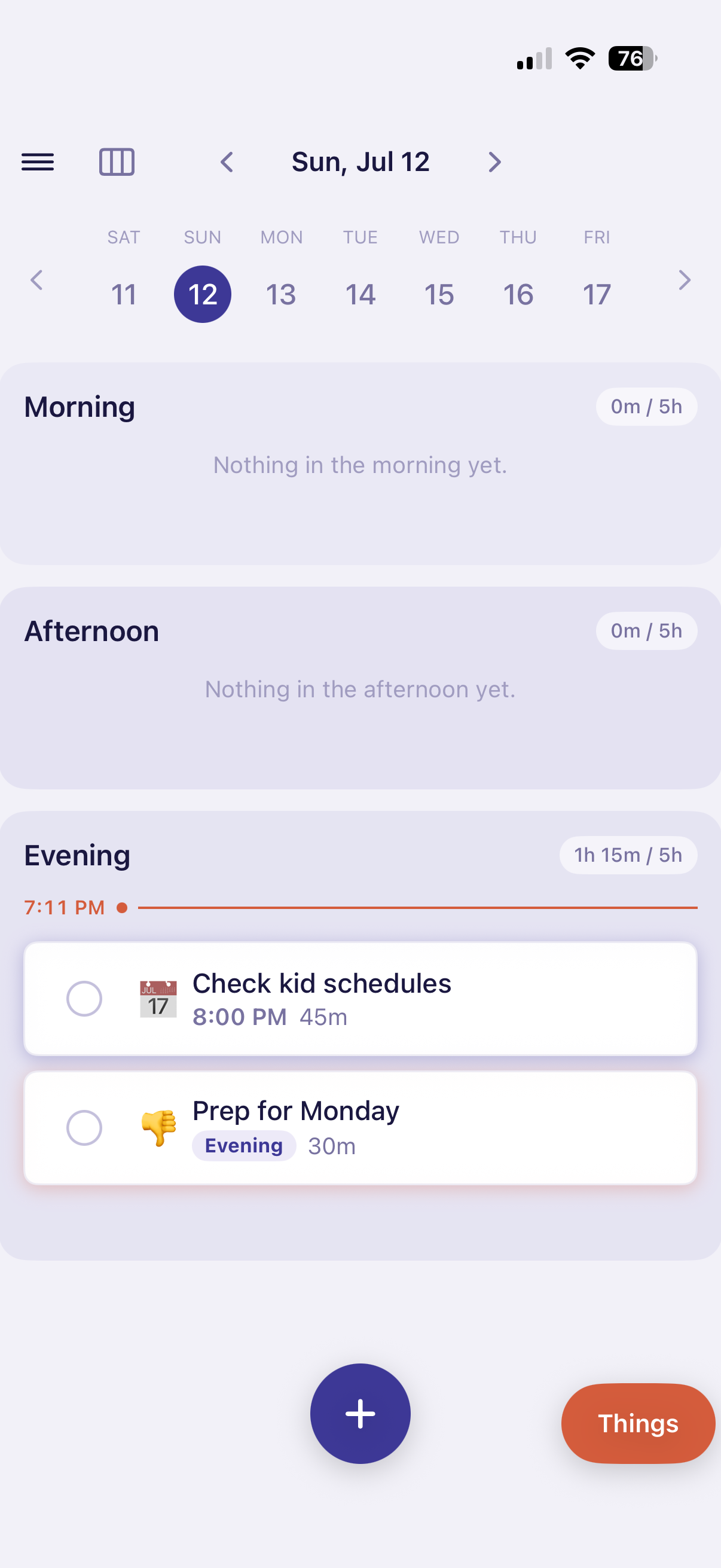
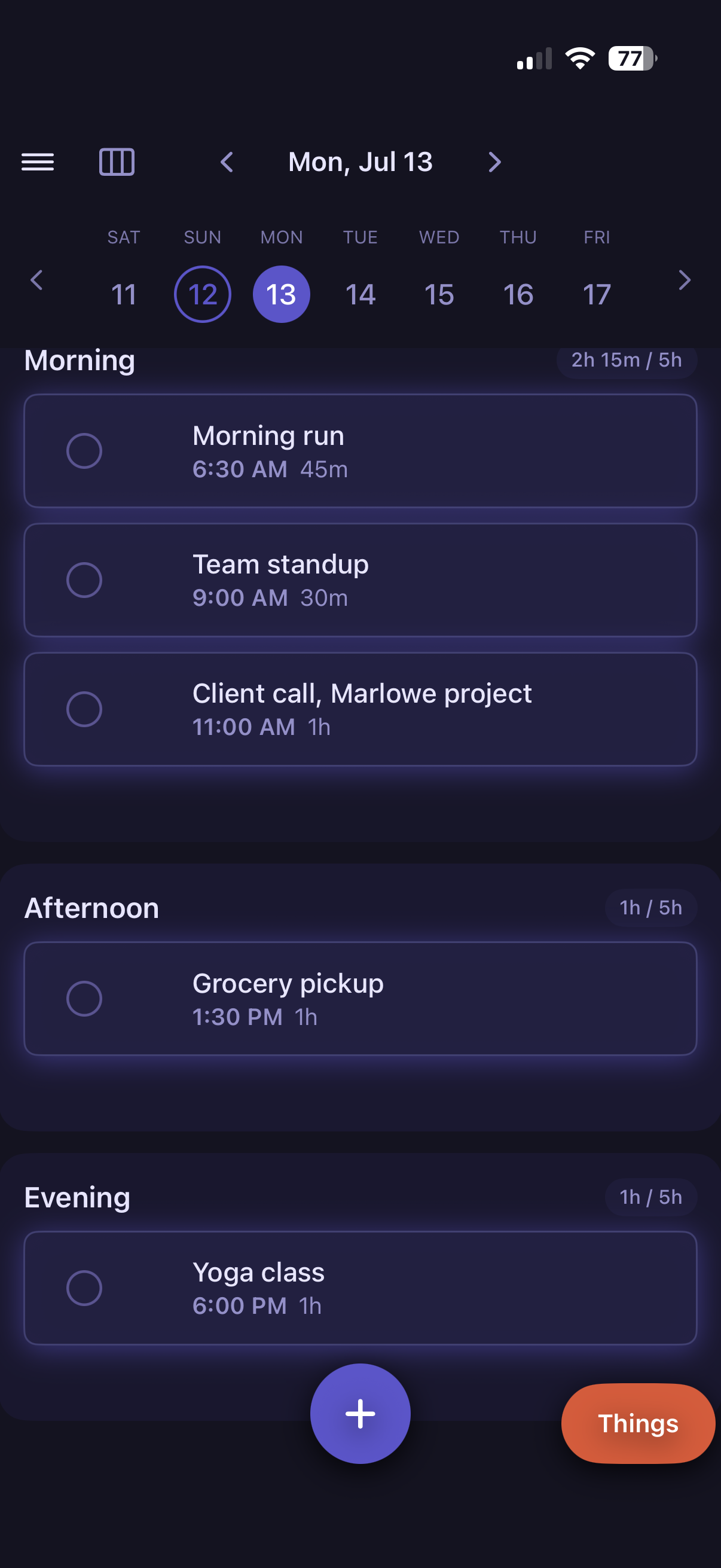
Morning, Afternoon, and Evening, laid out as three honest bands.

Three anchor points hold the shape of your day automatically, so you're never staring at a blank grid trying to invent one.

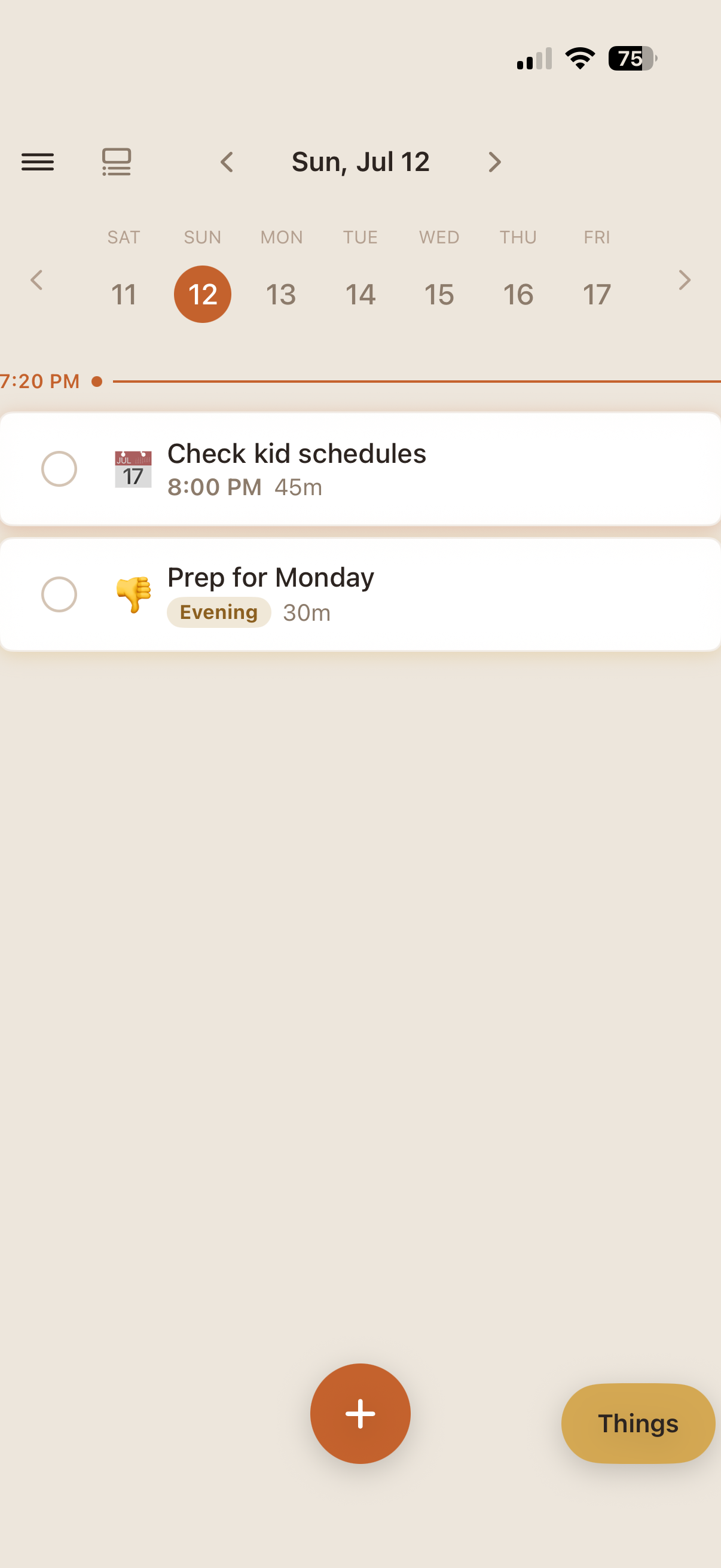
Same day, three views. Switch between them any time, choose your color palette Cool or Warm. Dark mode always an option. Nothing you've planned changes when the view does.

An Event with a set time, a Plan for when you need to do it at some point in the day, or a Thing for when you aren't sure where on your day to put it. Plan ahead by making a Routine once, then drop it into any day in a tap.
Save the steps you repeat each morning and drop them into any day in one tap.
Don't forget anything you need to get done. List out sub-tasks to keep track of your progress.
Plan around people, not just hours. Movie night sits next to Bed Time, not buried in a list.
Add an Event with a clock time, and it syncs to your calendar as soon as you save it.
Drop something into Things when it isn't ready for a time slot yet.
Bed Time closes every day the same way, so the evening never sneaks up on you.
No. There is no Diadu server your calendar is going to. Everything stays on your device and in your own iCloud, never Diadu's. The only thing we have is the default info Apple sends when someone Gets the app.
Yes. Install TestFlight from the App Store first, then use your invite to install Diadu once it arrives.
Yes definitely!
The Apple ecosystem of iPhone, iPad, and Mac.
Yes, any time in Settings.
Yes. Diadu syncs both ways with your selected iCloud calendar.
Every note sent through TestFlight's Feedback button goes straight to the person building Diadu.
Use the Feedback button in TestFlight with a screenshot if you can with your description.